
Introduction
Artificial intelligence is no longer limited to developers or large tech companies. In 2026, AI tools will have become simple, accessible, and highly practical for everyday users. From writing content to designing visuals and automating tasks, beginners can now achieve more in less time without technical skills. According to recent industry reports, over 70% of professionals already use AI in their workflows, showing how quickly adoption is growing. This guide is designed for students, freelancers, marketers, and business owners who want to get started with AI using tools that are easy, affordable, and beginner-friendly.
What Makes an AI Tool Beginner-Friendly?
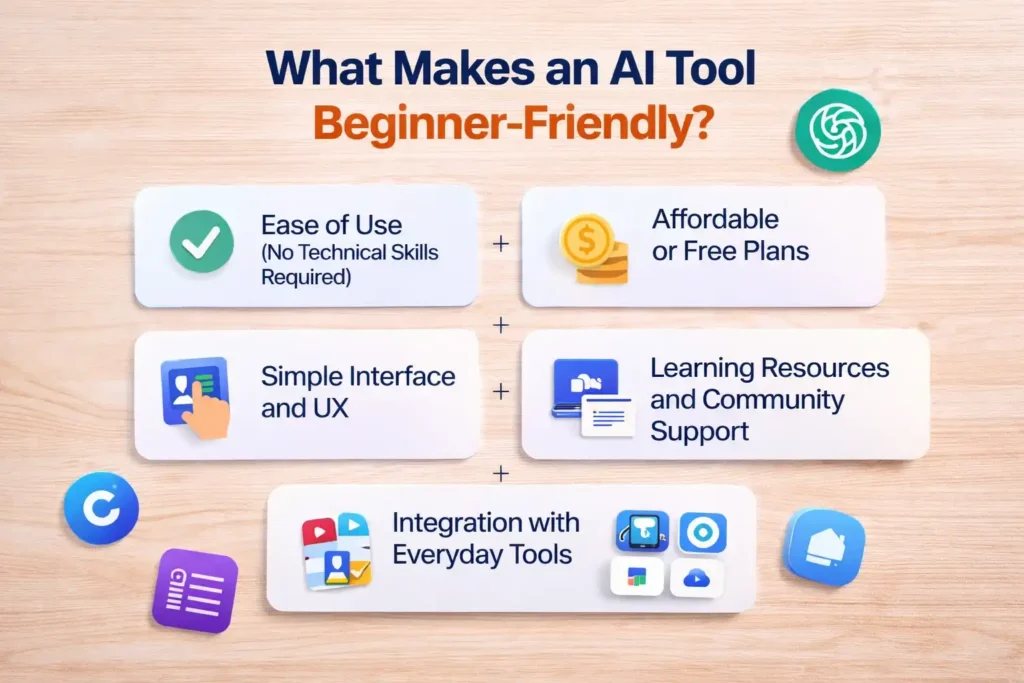
Not all AI tools are built the same, especially for beginners. Some platforms are designed for developers, while others focus on simplicity and ease of use. A beginner-friendly AI tool should reduce complexity, not add to it. It should help users get results quickly without a steep learning curve. Factors like intuitive design, pricing, support, and integration play a key role. Choosing the right tool can save time and frustration, especially when you’re just starting. Below are the key elements that define whether an AI tool is truly suitable for beginners in 2026.
Ease of Use (No Technical Skills Required)
A beginner-friendly AI tool should work without coding or technical setup. Most modern tools use simple prompts or drag-and-drop features, making them accessible to anyone. If a tool requires complex instructions or programming knowledge, it can quickly overwhelm beginners. The best tools guide users step by step and deliver results instantly, reducing the learning curve.
Affordable or Free Plans
Cost matters, especially for beginners testing new tools. Many AI platforms now offer free versions or low-cost entry plans. This allows users to explore features without committing financially. According to market trends, freemium models have increased AI adoption significantly. A good beginner tool should provide enough value in its free plan to get started comfortably.
Simple Interface and UX
A simple, well-structured interface can completely change how easy and smooth a tool feels to use. Beginners should not feel lost when they open a tool. Clear navigation, minimal clutter, and easy-to-understand options improve the overall experience. Tools with simple dashboards and guided workflows help users focus on results instead of figuring out how the platform works.
Learning Resources and Community Support
Good AI tools provide tutorials, guides, and active communities. Beginners often need help understanding how to use features effectively. Platforms that offer onboarding videos, documentation, and user forums make learning easier. Strong community support also allows users to learn from real-world use cases and shared experiences.
Integration with Everyday Tools
Beginner-friendly AI tools should connect easily with tools people already use, such as Google Docs, Slack, or WordPress. Integration reduces friction and makes workflows smoother. Instead of switching between multiple platforms, users can automate tasks within their existing environment, saving time and increasing productivity.
Types of AI Tools Beginners Should Know
Before choosing a specific AI tool, it is important to understand the different categories available. AI is not stuck to one function. It covers writing, design, coding, marketing, and productivity. Each category serves a unique purpose and helps users solve specific problems. By understanding these types, beginners can choose tools that match their goals instead of getting overwhelmed. This also helps build topical knowledge, which is essential as AI continues to evolve. Below are the main types of AI tools every beginner should be familiar with in 2026.
AI Writing Tools
AI writing tools help users create blogs, emails, social media posts, and more. Beginners can use them to save time and improve writing quality. Many tools also offer templates, making it easier to create structured content without starting from scratch.
AI Image Generators
AI image generators allow users to create visuals from simple text prompts. Beginners can generate high-quality images without design skills. This reduces the need for expensive design software or hiring professionals for basic visual content.
AI Video & Editing Tools
Video AI tools help users create and edit videos automatically. Beginners can turn text into videos, add subtitles, and edit clips without technical skills. With video content dominating platforms like YouTube and TikTok, these tools make it easier for new creators to produce engaging content quickly.
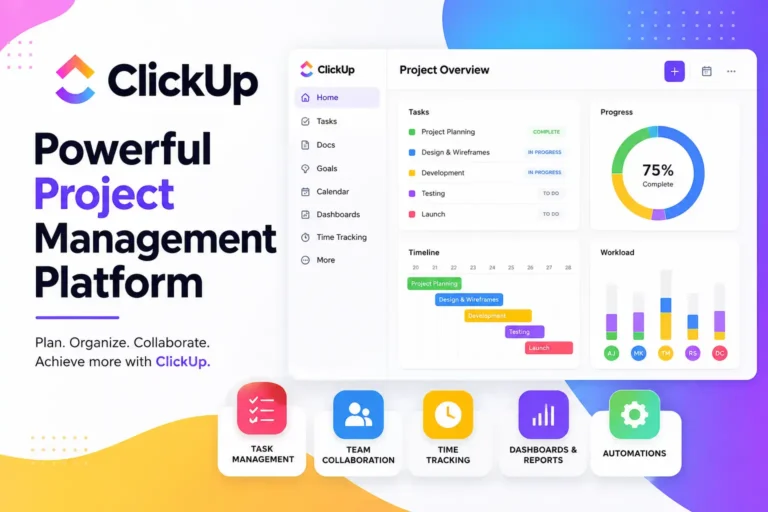
AI Productivity Assistants
Productivity AI tools help manage tasks, summarize notes, and automate workflows. They act like personal assistants, helping users stay organized and efficient. Beginners can use these tools to reduce manual work and focus on more important tasks, improving overall productivity.
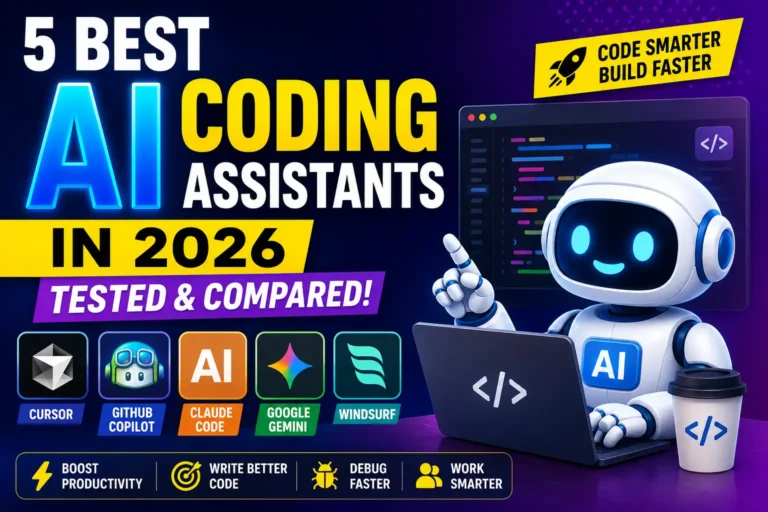
AI Coding Tools
AI coding tools assist developers by suggesting code, fixing errors, and improving efficiency. Even beginners with basic programming knowledge can learn faster using these tools. They reduce the time spent on debugging and help users understand coding patterns more effectively.
AI Marketing & SEO Tools
Marketing AI tools help with keyword research, content optimization, and campaign automation. Beginners can use them to improve search rankings and create data-driven strategies. These tools simplify complex SEO processes, making them accessible even for users with no prior experience.
Best AI Tools for Beginners in 2026 (Top Picks)
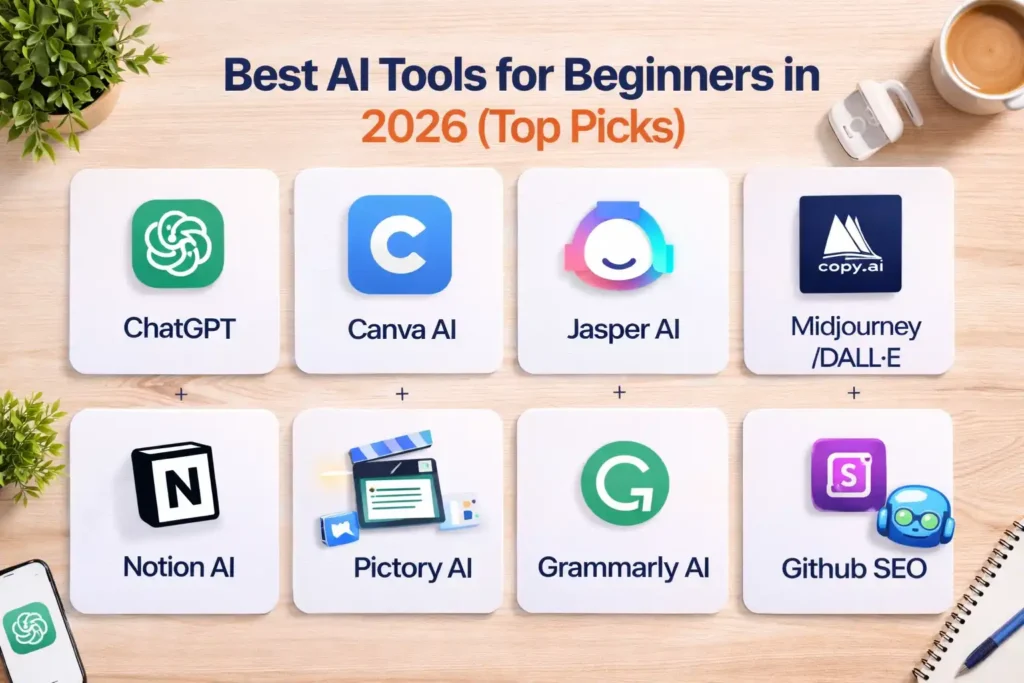
The AI tools listed below are carefully selected based on ease of use, features, pricing, and real-world applications. These tools are widely used and trusted by millions of users globally. According to industry data from Statista and McKinsey, AI adoption in business workflows has significantly increased, making these tools more refined and beginner-friendly than ever. Each tool serves a different purpose, allowing beginners to choose based on their specific needs. Whether you want to write, design, code, or automate tasks, these tools provide a solid starting point.
1. ChatGPT – Best Overall AI Assistant
ChatGPT helps with writing, research, brainstorming, and problem-solving. Beginners can simply type prompts and get instant responses. It is widely used across industries due to its flexibility. While the free version is powerful, paid plans offer advanced features and better performance.
2. Canva AI – Best for Design Beginners
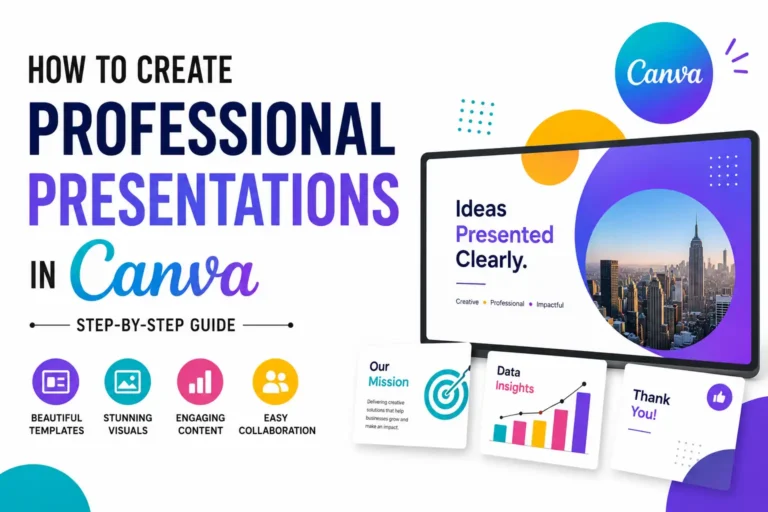
Canva AI simplifies graphic design with features like Magic Design and text-to-image generation. Beginners can create social media posts, presentations, and marketing visuals بسهولة. Its drag-and-drop interface makes design accessible without prior experience. It is widely used by freelancers and small businesses for quick and professional-looking designs.
3. Jasper AI – Best for Content Writing
Jasper AI focuses on creating high-quality marketing and blog content. It offers templates that guide beginners through the writing process. Users can generate articles, ads, and emails quickly. It is especially useful for marketers and businesses looking to scale content production without hiring large teams.
4. Copy.ai – Best for Quick Marketing Content
Copy.ai is designed for generating short-form content like ads, product descriptions, and social media posts. It is beginner-friendly and requires minimal input to get results. The tool is ideal for startups and e-commerce businesses that need fast and effective marketing copy.
5. Midjourney / DALL·E – Best for AI Images
Midjourney and DALL·E are powerful tools for generating creative images. Beginners can create unique visuals by describing what they want. These tools are widely used for branding, content creation, and digital art. They remove the need for advanced design skills while offering high-quality results.
6. Notion AI – Best for Productivity
Notion AI enhances productivity by helping users write notes, summarize content, and manage tasks. It integrates directly into the Notion workspace, making it convenient for daily use. Beginners can organize their work more efficiently and automate repetitive tasks with ease.
💚 You might also like: How to Start a Digital Agency Step by Step in 2026
7. Pictory AI – Best for Video Creation
Pictory AI allows users to convert text or blog posts into engaging videos. It is ideal for beginners who want to create YouTube or social media content. The tool handles editing, subtitles, and visuals automatically, reducing the complexity of video production.
8. Grammarly AI – Best for Writing Improvement
Grammarly AI helps users improve grammar, clarity, and tone in their writing. It also offers rewriting suggestions powered by AI. Beginners can use it to create polished and professional content without worrying about language mistakes.
9. Surfer SEO – Best for SEO Beginners
Surfer SEO helps optimize content for search engines. It provides keyword suggestions, content structure, and optimization scores. Beginners can use it to improve rankings without deep SEO knowledge. The tool simplifies complex SEO strategies into actionable steps.
10. GitHub Copilot – Best for Beginner Developers
GitHub Copilot helps developers with code suggestions in real time. It helps beginners learn faster by providing context-based recommendations. Users can write code more efficiently and understand programming concepts with practical examples. It is especially useful for those starting their coding journey.
Free vs Paid AI Tools: What Should Beginners Choose?
One of the most common questions beginners ask is whether they should stick with free AI tools or invest in paid plans. The truth is, both options have their place depending on your goals. Free tools are perfect for learning and experimentation, while paid tools offer advanced features, better performance, and scalability. According to industry data, most beginners start with free tools and upgrade once they see real value. The key is not to spend money too early, but also not to limit your growth by avoiding upgrades when they become necessary.
How to Start Using AI Tools (Step-by-Step Guide)
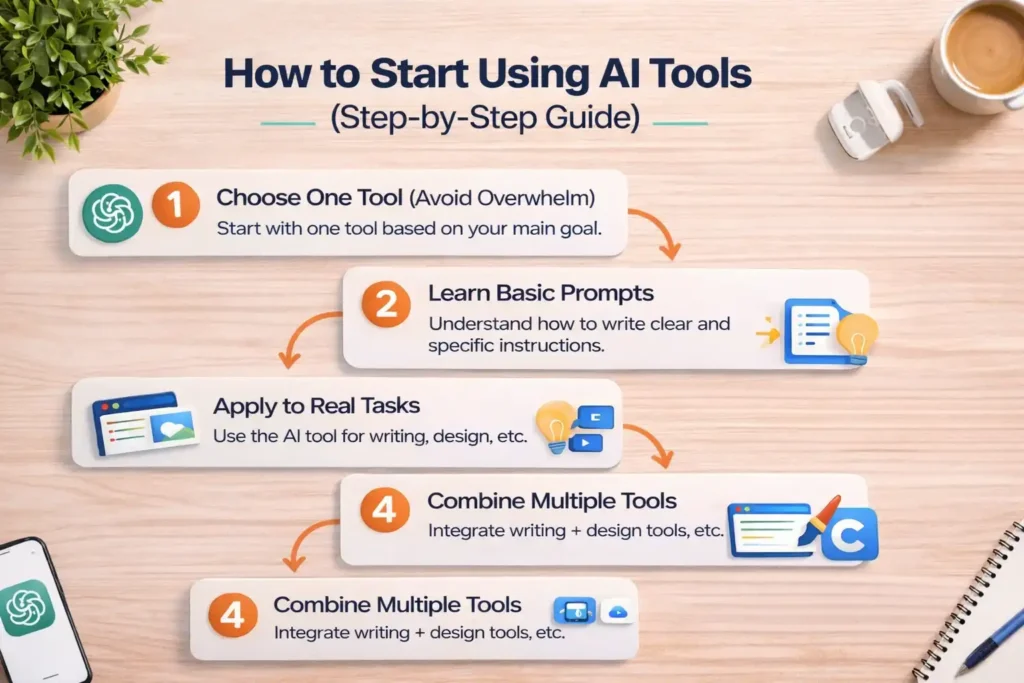
Getting started with AI tools can feel overwhelming because there are so many options available. However, the process becomes simple when you take a structured approach. Instead of trying everything at once, beginners should focus on learning step by step. Research shows that users who adopt AI gradually are more likely to use it effectively long-term. The goal is not just to use AI tools but to understand how they fit into your daily workflow. Following a clear process will help you avoid confusion and get better results faster.
Step 1: Choose One Tool (Avoid Overwhelm)
Start with one tool that matches your main goal, whether it is writing, design, or productivity. Trying multiple tools at once can lead to confusion. Focus on understanding one platform properly before moving to others. This helps build confidence and creates a strong foundation.
Step 2: Learn Basic Prompts
Prompts are the key to getting good results from AI tools. Beginners should learn how to write clear and specific instructions. Simple improvements in prompts can significantly improve output quality. Spend time experimenting with different prompt styles to understand what works best.
Step 3: Apply to Real Tasks
The best way to learn is by doing real work. Use AI tools for tasks like writing emails, creating posts, or summarizing content. Practical use helps you understand the tool’s strengths and limitations. It also builds confidence and improves your overall efficiency.
Step 4: Combine Multiple Tools
Once you are comfortable with one tool, start combining it with others. For example, you can use a writing tool with a design tool to create complete content. This approach helps you build a more efficient workflow and get better results across different tasks.
Step 5: Keep Practicing and Improving
AI tools improve with better usage. The more you practice the tools, the better results you will get. Stay updated with new features and updates, as AI tools evolve quickly. Continuous learning is important to stay ahead and make the most of these technologies.
Common Mistakes Beginners Make with AI Tools
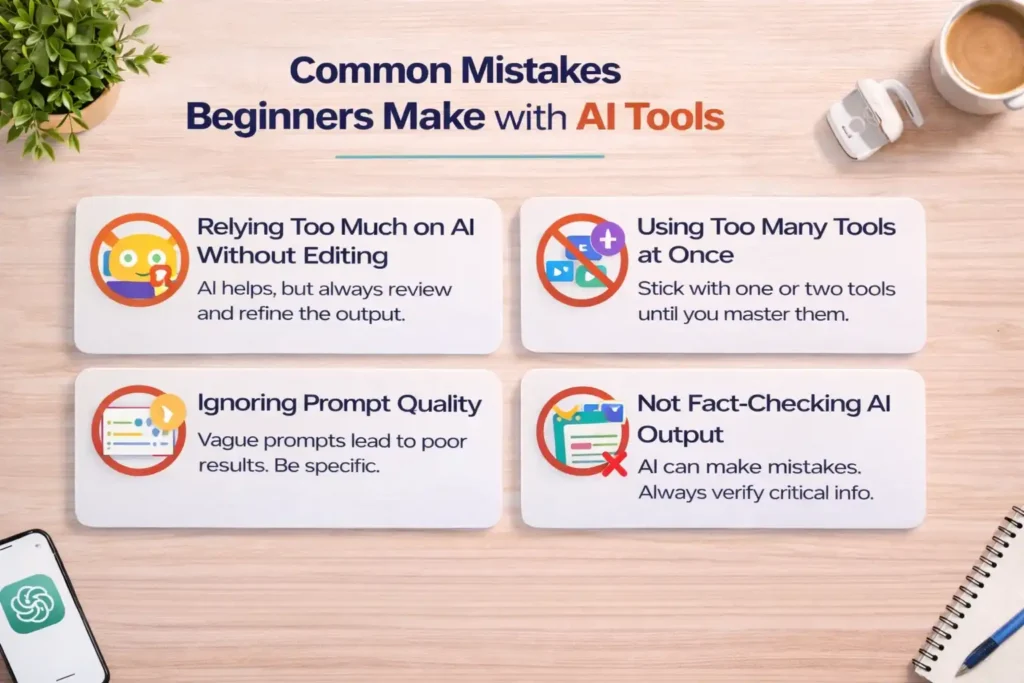
While AI tools are powerful, beginners often make mistakes that limit their effectiveness. These mistakes usually come from a lack of understanding or unrealistic expectations. According to industry surveys, many users stop using AI tools because they don’t get the expected results early on. The problem is not the tools but how they are used. Avoiding common mistakes can significantly improve your experience and results. By being aware of these issues, beginners can use AI tools more effectively and get better outcomes from the start.
Relying Too Much on AI Without Editing
AI-generated content is helpful, but it is not perfect. Beginners often copy and paste results without reviewing them. This can lead to errors, poor tone, or inaccurate information. Always edit and refine AI output to ensure it meets your standards and fits your purpose.
Using Too Many Tools at Once
Trying multiple tools at the same time can create confusion and reduce productivity. Beginners may feel overwhelmed and struggle to learn any tool properly. It is better to focus on one or two tools and master them before expanding to others.
Ignoring Prompt Quality
The quality of your input directly affects the output. Beginners often use vague or unclear prompts, leading to poor results. Learning how to write detailed and specific prompts can make a big difference. Better prompts lead to more accurate and useful responses.
Not Fact-Checking AI Output
AI tools can sometimes write wrong or outdated information. Beginners should not assume everything is accurate. Always verify important facts, especially when creating professional or published content. Fact-checking helps maintain credibility and trust.
Choosing Complex Tools Too Early
Some AI tools are designed for advanced users and may not be suitable for beginners. Starting with complex tools can lead to frustration. It is better to begin with simple, user-friendly platforms and gradually move to advanced tools as your skills improve.
Benefits of Using AI Tools for Beginners
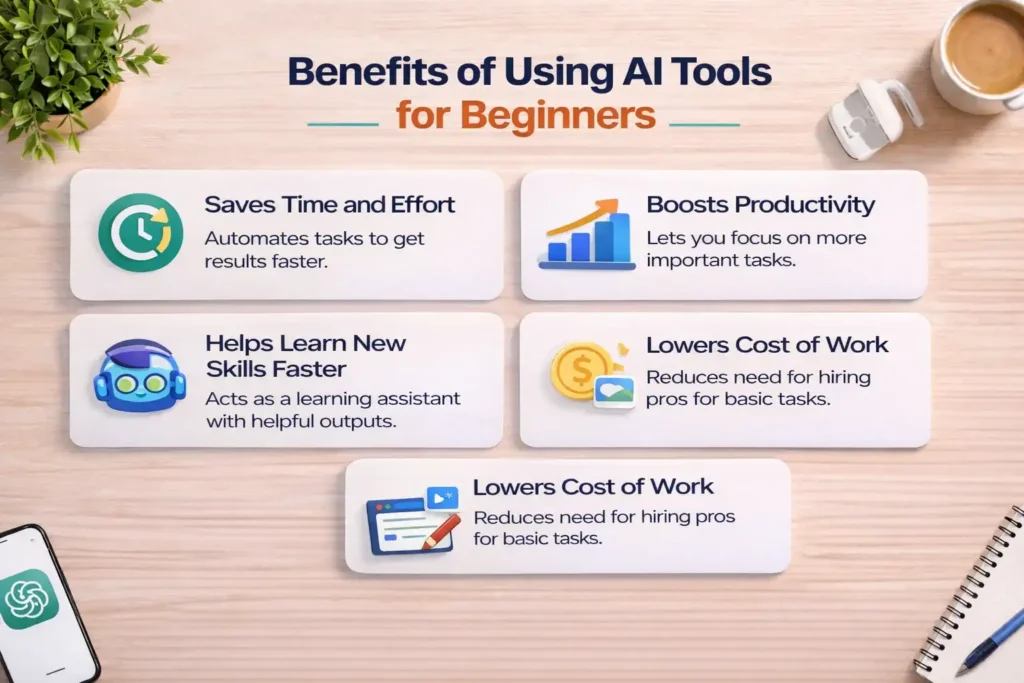
AI tools offer significant advantages, especially for beginners who want to improve efficiency and learn new skills. These tools are designed to simplify tasks and reduce manual effort. According to recent reports, businesses using AI have seen productivity increases of up to 40%, highlighting their impact. For beginners, the benefits go beyond just saving time. AI tools also help in skill development, creativity, and cost reduction. Understanding these benefits can motivate users to adopt AI tools more effectively and integrate them into their daily workflows.
Saves Time and Effort
AI tools automate repetitive tasks, allowing users to complete work faster. Instead of spending hours on writing, designing, or researching, beginners can get results in minutes. This time-saving aspect makes AI tools highly valuable, especially for those managing multiple tasks.
Boosts Productivity
By handling routine work, AI tools allow users to focus on more important tasks. This improves overall productivity and efficiency. Beginners can accomplish more in less time, making it easier to manage projects, deadlines, and daily responsibilities effectively.
Helps Learn New Skills Faster
AI tools act as learning assistants by providing suggestions, explanations, and examples. Beginners can improve writing, design, or coding skills by observing AI-generated outputs. This accelerates the learning process and helps users gain confidence in new areas.
Lowers Cost of Work (Content, Design, etc.)
AI tools reduce the need for hiring professionals for basic tasks. Beginners can create content, visuals, and marketing materials on their own. This makes it easier to start projects or businesses with limited budgets while still maintaining quality.
FAQs
What is the best AI tool for beginners in 2026?
The best AI tool for beginners depends on your needs, but general-purpose tools like ChatGPT are often the top choice. They are easy to use and support multiple tasks like writing, research, and brainstorming. Beginners prefer tools that offer flexibility and simple interfaces, making it easier to explore different use cases without switching platforms frequently.
Are AI tools free for beginners?
Yes, many AI tools offer free plans or trials for beginners. These free versions usually provide enough features to learn and complete basic tasks. However, advanced features and higher usage limits are often part of paid plans. Beginners can start with free tools and upgrade later based on their needs and usage.
Which AI tool is easiest to use?
Tools with simple interfaces and guided workflows are the easiest for beginners. Canva AI and ChatGPT are popular examples because they require minimal setup and offer intuitive experiences. These tools allow users to get results quickly without needing technical knowledge, making them ideal for those just starting out.
Can beginners make money using AI tools?
Yes, beginners can use AI tools to earn money through freelancing, content creation, and online businesses. Many people use AI for writing blogs, managing social media, or creating designs for clients. With consistent effort and skill improvement, AI tools can become a strong source of income over time.
Do I need coding skills to use AI tools?
No, most AI tools are designed for non-technical users and do not require coding skills. They work through simple prompts or user-friendly interfaces. While coding knowledge can be helpful for advanced tools, beginners can still achieve great results using basic features without any technical background.
How many AI tools should a beginner start with?
Beginners should start with one or two tools to avoid confusion. Learning multiple tools at once can slow down progress. It is better to master a few tools first and then gradually expand. This approach helps build confidence and ensures a better understanding of how each tool works.
Conclusion
AI tools have made it easier than ever for beginners to improve productivity, learn new skills, and create high-quality work without technical expertise. From writing and design to marketing and coding, the tools covered in this guide offer a strong starting point for anyone entering the AI space. The key is not to try everything at once but to start small and focus on practical use. As you gain experience, you can explore more advanced tools and features. Consistency and continuous learning will help you get the most value from AI in the long run.
✨ Don’t stop here, follow Tech Fueler for daily upgrades.